Separate the two kinds of slow
Imagine a video call that works in the living room but becomes unreliable in an upstairs bedroom. That pattern points toward a coverage or local connection issue worth investigating. If every device struggles even near the router, the incoming service or another shared bottleneck may deserve attention first. Before buying a mesh kit, compare the same task in several rooms and at different times. Where practical, compare a wired connection as well. Keep a short record instead of relying on the single evening when everything failed. A mesh purchase should address a pattern you can describe, not a general feeling that the internet ought to be faster.
Try the free placement changes
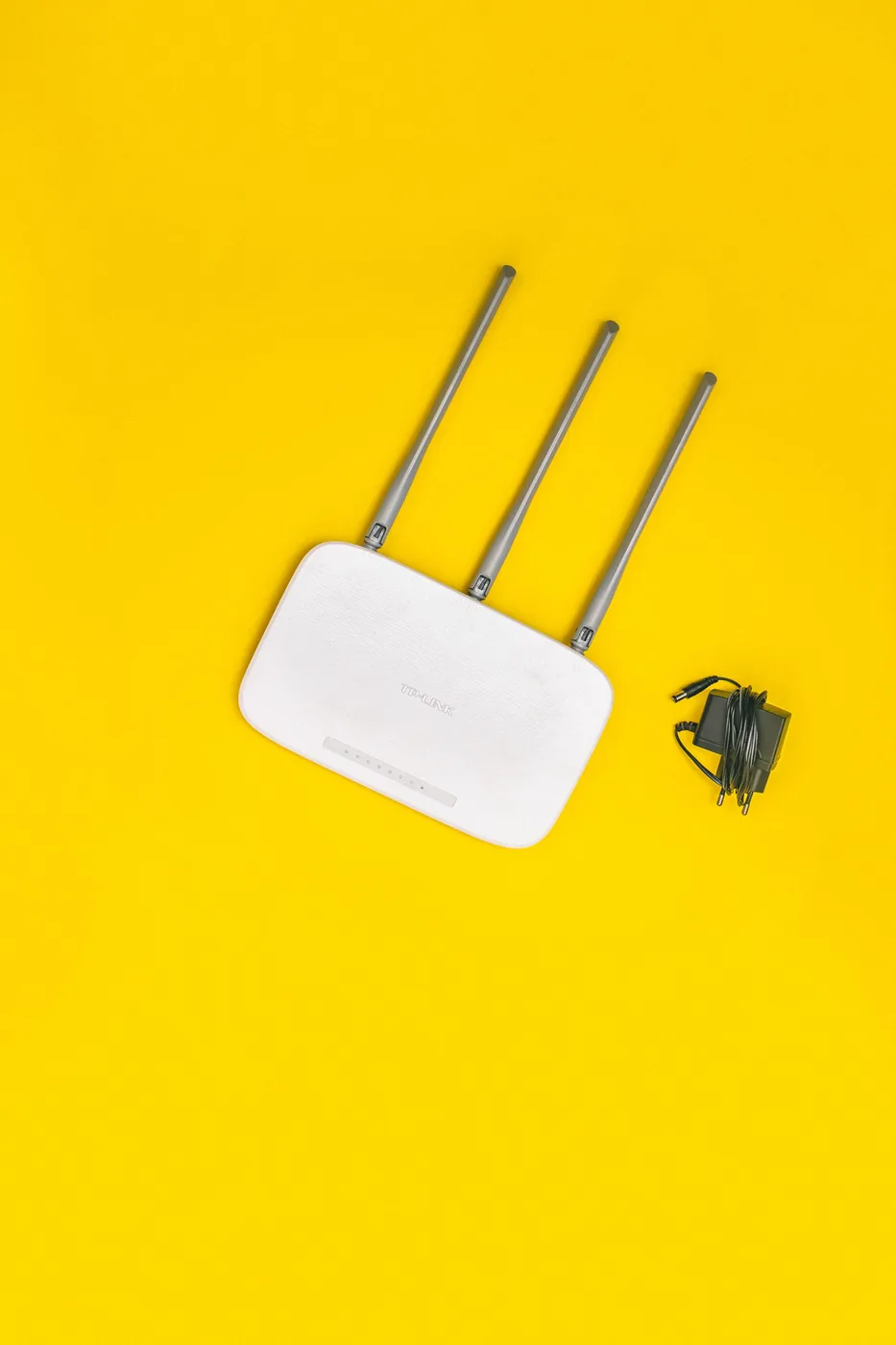
Look at the router's location and the path between it and the room where trouble occurs. A unit hidden in a low cupboard at one end of the home has a different challenge from one in an open central location. Follow the manufacturer's placement guidance and try a more open position where your cabling permits. Keep it clear of objects or enclosures that the manufacturer discourages. Recheck the rooms before spending money. If repositioning solves the problem, use the saved budget elsewhere. If the incoming connection fixes the router in an awkward place, that limitation becomes a useful starting point for planning additional access points.
Draw a floor plan with the real obstacles
Mark where the modem or service connection sits, where you work, and where calls or streaming repeatedly fail. Include floors and substantial walls, as well as available power sockets. A mesh node needs a usable connection back to the network; placing it at the deepest point of an existing dead zone may not help as expected. If your home has suitable Ethernet cabling, investigate wired backhaul with a system that supports it. Avoid choosing a kit purely from the largest advertised square-foot figure. That figure cannot represent every building layout, wall material, interference environment, or placement restriction in a particular household.
Two approachable systems to investigate
Eero 6+ and TP-Link Deco X55 are Wi-Fi 6 mesh options with app-guided management described on their manufacturers' pages. Eero's documentation distinguishes its router units from extenders, so compare the precise package rather than assuming every small unit has identical connections. Deco's product page is a starting point for checking its port and backhaul requirements. We have not measured either system in your building or ranked their speed through walls. Choose a shortlist around the number of usable placement positions, your internet plan, required wired ports, and the management controls you expect to use. Check whether any desired features involve an optional subscription.
Buy enough nodes, not the largest bundle
For a small flat with one awkward corner, a large multipack may create cost and setup work without a proportionate benefit. For a multi-floor house, a single replacement router may leave the original coverage problem unresolved. Price the smallest arrangement that plausibly serves the floor plan and understand how expansion works. Include Ethernet switches or cables if the proposed setup needs more wired connections than the chosen units provide. If the household already has a service-provider router, check whether it must remain and how the new system should be configured. Avoid layering several routing devices casually and hoping automatic setup will make every consequence disappear.
Keep control of accounts and household settings
Choose an account owner who can maintain the network, store recovery information securely, and make sure another responsible household member can regain access when needed. Review update settings and optional paid features during setup rather than accepting every trial automatically. Use a unique Wi-Fi password and configure a guest network if it suits your needs and the system supports it. Keep the network name understandable. For a home office, check employer guidance if you use work equipment. A simpler system that everybody can manage is preferable to a sophisticated one that nobody can troubleshoot when the primary account holder is away.
Judge the result in the rooms that matter
After installation, repeat the same ordinary activities in the same locations you recorded earlier. Make a call from the upstairs desk, stream in the room used by the family, and check devices that remain connected all day. Move one node at a time if adjustment is necessary, following the setup guidance. Keep the packaging until the important rooms work reliably. Do not evaluate the purchase only by an impressive number beside the main router. The reason to buy mesh is a more useful network across the places where people actually spend time, with enough clarity that a future room change does not require rebuilding everything from memory.
Where to start looking
These are starting points for comparison, based on manufacturers’ published information. Check the exact version, compatibility, current availability, price, and return terms before ordering. Manufacturer links below are ordinary links unless specifically labeled as affiliate.
Eero 6+
Consider for a household that prefers guided setup and a straightforward app.
The tradeoff: Check router versus extender contents and optional subscription features.
Manufacturer details ↗TP-Link Deco X55
Consider for a planned mesh arrangement with attention to wired connections.
The tradeoff: Coverage claims depend on the home, placement, and connection conditions.
Manufacturer details ↗A few things you might be wondering
Will mesh make my internet plan faster?+
It may improve local coverage, but it cannot automatically increase the capacity of your incoming service.
Where should I put a node?+
Follow the manufacturer's guidance and place it where it can maintain a useful link, rather than automatically choosing the deepest dead zone.
Sources & editorial notes
Manufacturer and primary-source information checked October 23, 2026. Buying advice reflects our editorial interpretation. Features and regional options can change.
- Eero 6+ official product and package information ↗
- TP-Link Deco X55 specifications and requirements ↗
See our editorial policy or request a correction.