Give the stand a specific job
Imagine following a recipe while the kitchen counter fills with chopped vegetables, a bowl, and a towel. Your phone needs to stay readable without leaning against the fruit basket. That is a very different task from placing it beside a laptop for video calls. Decide where the stand will live and how often you will tap the screen. A stable fixed stand can make sense for a busy counter. A folding design may be better for a bag or a desk that turns into a dining table. Start with that job instead of a decorative product photo.
The tap test matters more than the silhouette
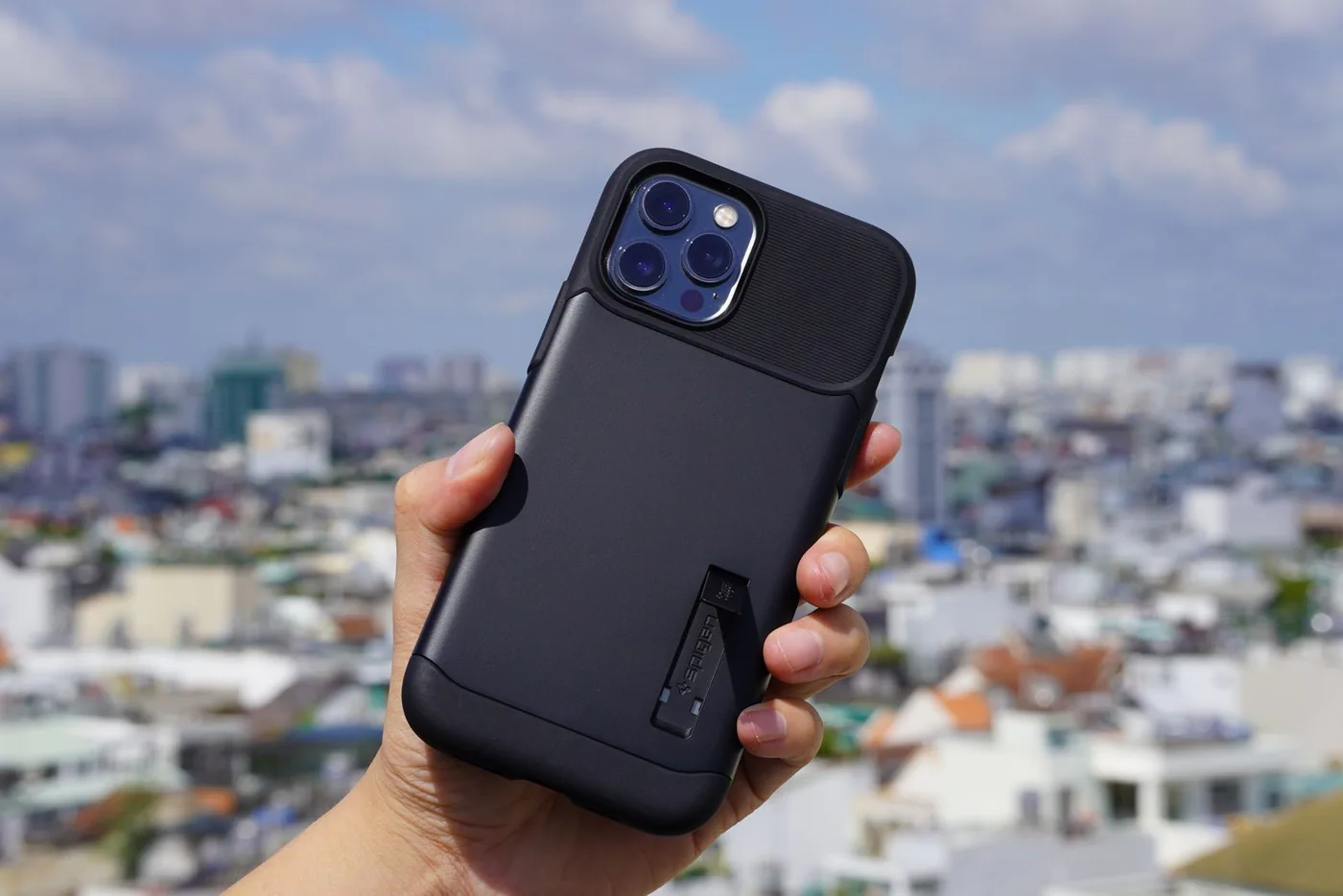
Check the base dimensions, support points, and any stated phone-size limits. A tall stand with a tiny base might look elegant but deserves close scrutiny if you often press the screen. Account for the phone case, camera bump, and the cable you normally use. Try to picture the phone in landscape and portrait orientation. A stand that blocks the bottom edge may interfere with gestures, while a deep cradle can hide controls. These are things to inspect after delivery; published specifications cannot establish how a particular combination feels on your counter.
Compare a cradle with a magnetic attachment
A cradle generally supports the phone physically, so the case opening and ledge depth deserve attention. A magnetic design depends on an appropriate phone or case attachment. Peak Design describes its Mobile Tripod as a compact magnetic support; JOBY's GripTight range also includes phone-mounting options with specific attachment requirements. Those official pages show why the mount is part of a system. Do not assume a stand labeled magnetic will securely hold every phone through every case. Read the compatibility guidance for both sides of the connection before putting a device above a hard countertop.
Keep charging a separate decision
You may only need to see a recipe for twenty minutes. In that case, a nonpowered stand and the charging cable you own can be enough. A charging stand earns its extra cost when the phone repeatedly lives in that spot between activities. Check the cable route and outlet access before buying one, and remember that wireless phone charging still requires power to the stand. For kitchens, choose a location away from spills, heat, and the sink in accordance with the equipment instructions. Convenience should come from better placement, not squeezing electronics into the last unoccupied corner.
Spend differently for kitchen and desk use
At a kitchen counter, easy wiping and a stable footprint are useful priorities. Intricate hinges and cloth surfaces may demand more care than you want during cooking. At a desk, a lower visual profile and room for a charging plug may matter more. For video calls, adjust the placement so you can look toward the phone without bending over it. A small tripod can suit occasional recording, while a simple cradle suits frequent picking up and putting down. Paying for more adjustment makes sense only if you will actually change the angle or location.
Use the return window for ordinary life
After delivery, place the stand on the surface where it will stay. Try the phone with its everyday case and cable, tap near the top corners, and rotate it if the stand permits. Keep one hand nearby while assessing stability. Check whether removing a magnetically attached phone requires holding down the base. A stand that slides across a polished desk each time you lift the phone may create more work than it removes. Look for access to buttons and a clear camera view. Evaluate the full arrangement rather than treating the stand as an isolated object.
A restrained shopping shortlist
Peak Design's Mobile Tripod is worth considering for someone who values a pocketable support and already understands its attachment system. JOBY's phone supports are useful comparison points for a more modular photo-and-desk arrangement. Neither needs to replace a simple inexpensive cradle if all you want is a readable shopping list. Choose one reliable place for the stand, route the cable out of the working area, and stop adding accessories once the phone is easy to see. A stand earns its place by removing a repeated annoyance; it does not need to turn the entire countertop into a gadget station.
Where to start looking
These are starting points for comparison, based on manufacturers’ published information. Check the exact version, compatibility, current availability, price, and return terms before ordering. Manufacturer links below are ordinary links unless specifically labeled as affiliate.
Peak Design Mobile Tripod
Consider for a compact support that can move between a bag and a table.
The tradeoff: Check phone or case attachment compatibility and the working height.
Manufacturer details ↗JOBY GripTight range
Compare modular phone supports if photography is also part of the job.
The tradeoff: Mounts and legs may be separate purchases; inspect the complete kit.
Manufacturer details ↗A few things you might be wondering
Do I need a charging stand for the kitchen?+
Only if regular charging in that location solves a need. A nonpowered support can be simpler for recipes and brief calls.
Will a magnetic stand work through my existing case?+
Check the stand and case makers' compatibility guidance. Case thickness and magnetic attachment design matter.
Sources & editorial notes
Manufacturer and primary-source information checked October 23, 2026. Buying advice reflects our editorial interpretation. Features and regional options can change.
See our editorial policy or request a correction.