The cable that lives in the wrong drawer
You are leaving for a weekend and grab the nicest-looking USB-C cable from the desk. At the destination, it charges your phone but will not perform the laptop-to-monitor job you expected. The mistake is treating a familiar connector as a complete specification. Start by assigning each cable a job: bedside phone charging, laptop charging, file transfers, or a display connection. A single cable may cover several jobs, but that combination must be stated. Buying by task prevents a drawer of attractive duplicates that all share the same limitation. Photograph the label or packaging before discarding it so the specifications remain easy to find.
Separate power from data
USB-IF's cable guidance distinguishes power capability and data performance in its labeling requirements. A power rating is therefore not a promise about file-transfer speed or display support. Apple's charging guidance also pairs the appropriate cable with the phone and adapter rather than treating the cable as irrelevant. For shopping purposes, record two requirements on a note: the power your device needs and the non-charging functions you expect. If a cable's listing gives only one, do not fill in the other from its price, thickness, color, or the number of impressive logos in the product photographs.
Choose length by measuring the route
For a power bank held beside a phone, a compact cable avoids a loop that catches on a coat zipper. For reading on the sofa, a longer cable might be the reason you finally stop stretching toward an outlet. Measure around furniture rather than directly across the room. Leave enough slack for normal movement without letting the connector support the phone's weight. There is no universally perfect cable length. Two correctly chosen lengths can solve two different situations more neatly than buying a multipack of identical cables and then adding extensions.
Inspect the unglamorous details
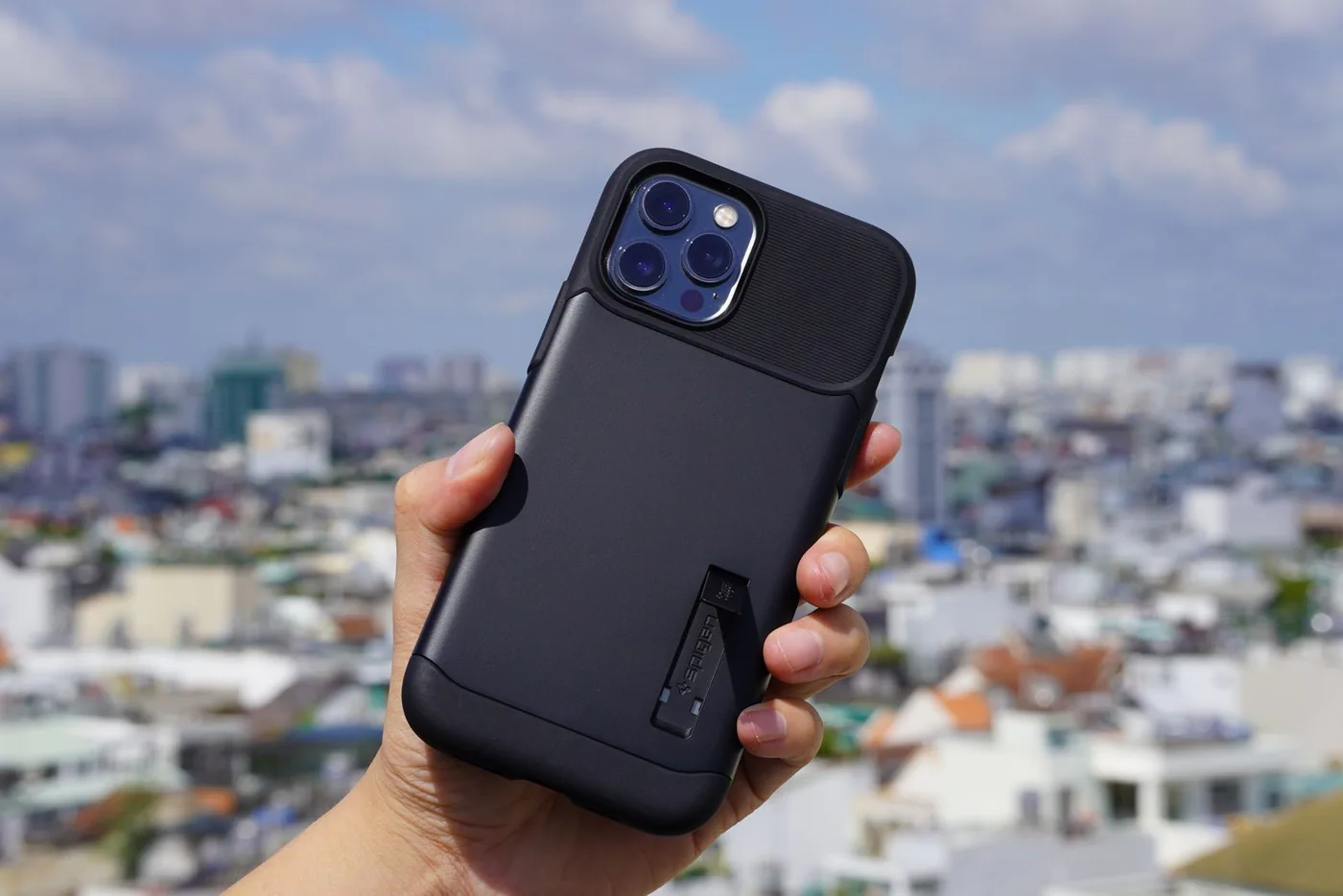
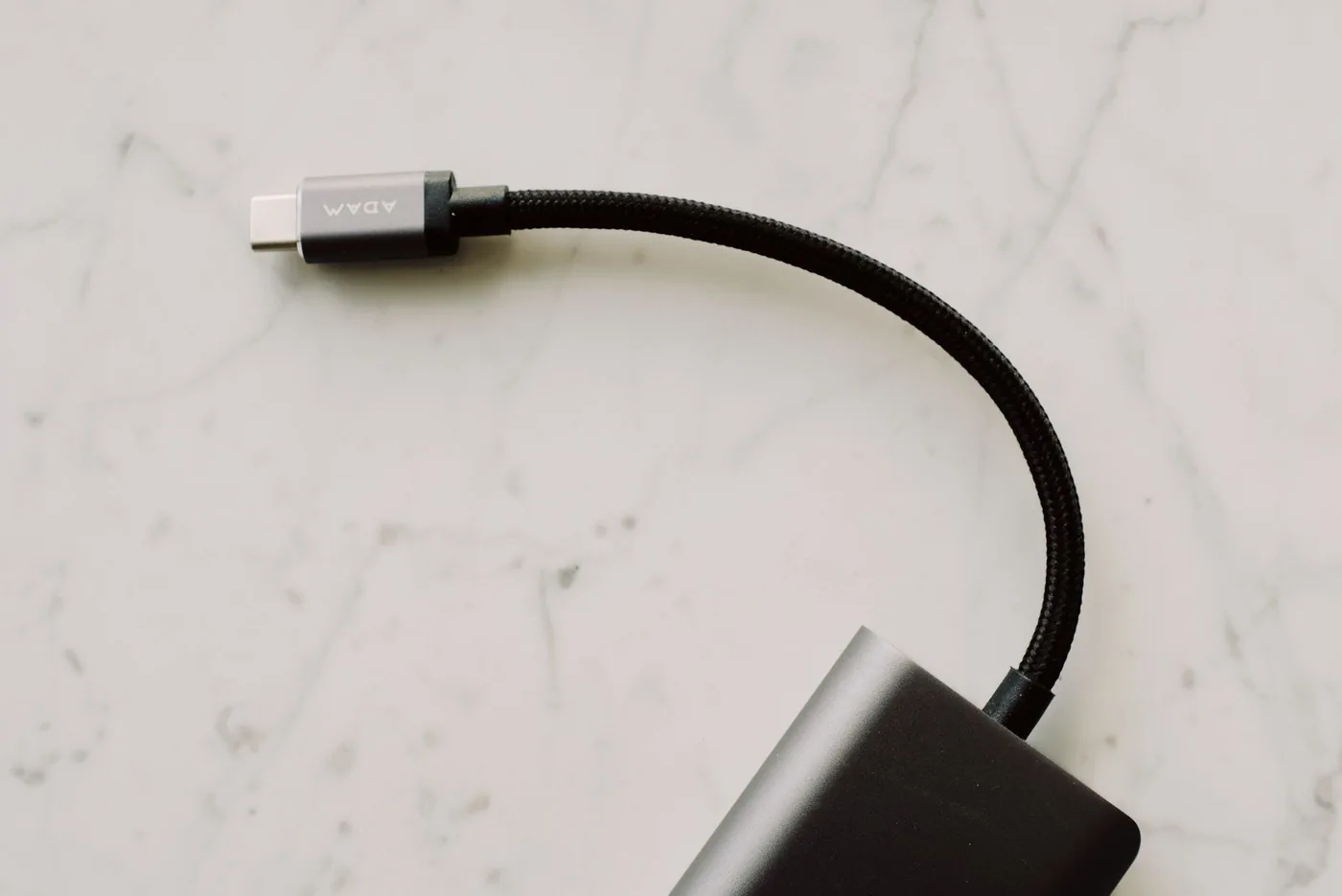
A bulky connector can collide with the opening in a rugged phone case. A right-angle plug can make handheld gaming more comfortable, but it can also block a neighboring port depending on direction. Compare close-up connector photographs with your actual device and case. On a desk, a flexible cable may be easier to route than a thick jacket that pushes a small dock around. Braiding is a material choice, not a guarantee against every type of wear. Look for clear specifications, accessible support, and a seller that identifies the exact product you will receive.
Build a tiny cable wardrobe
Most people can start with three locations rather than a dozen theoretical emergencies: one cable at home, one at the desk, and one in the bag. Reuse a working supplied cable before buying a matching set for visual consistency. Label specialized data or display cables discreetly so they do not disappear into the phone-charging drawer. Keep any old connector only if a device you still use needs it. A legacy cable for a camera or travel light earns its place; a cable for a device you no longer own only makes packing less certain.
Where the extra spend helps
Spend more when the stated function solves an actual problem: a verified high-power laptop connection, the required data rate for a regular storage transfer, or a dependable display path documented for your setup. Spend less on decorative finishes that will remain under a desk. Manufacturer options from Apple and Belkin give you places to compare specifications, but the right purchase is still the least complicated cable that satisfies the job. Check the complete selected listing rather than assuming all cables sold under the same family name have identical capabilities. Bundles can mix lengths or specifications.
Check it before the first trip
Try the cable in its intended location during the return period. Charge the laptop, transfer a representative file, or connect the monitor, depending on the task you bought it for. Confirm that the case does not strain the plug. Coil spare length loosely and remove the cable by the connector housing instead of pulling on the jacket. If a cable becomes damaged, stop relying on it simply because it still works intermittently. A modest, clearly labeled cable kit is easier to trust than an expensive assortment whose individual roles you cannot explain.
Where to start looking
These are starting points for comparison, based on manufacturers’ published information. Check the exact version, compatibility, current availability, price, and return terms before ordering. Manufacturer links below are ordinary links unless specifically labeled as affiliate.
Apple 60W USB-C Charge Cable
A useful starting point for finding the right connector for an Apple device.
The tradeoff: Check the exact cable's data capability if you need more than charging.
Manufacturer details ↗Belkin cables
Compare lengths and connection types for separate home and travel jobs.
The tradeoff: Similar-looking listings may serve different power and data requirements.
Manufacturer details ↗A few things you might be wondering
Does USB-C always mean fast data?+
No. Treat connector shape, power capability, and data performance as separate shopping checks.
Is a braided cable always worth paying more for?+
Only if its feel and routing suit your setup. Prioritize the stated electrical capabilities, appropriate length, and sound connector fit.
Sources & editorial notes
Manufacturer and primary-source information checked October 23, 2026. Buying advice reflects our editorial interpretation. Features and regional options can change.
See our editorial policy or request a correction.