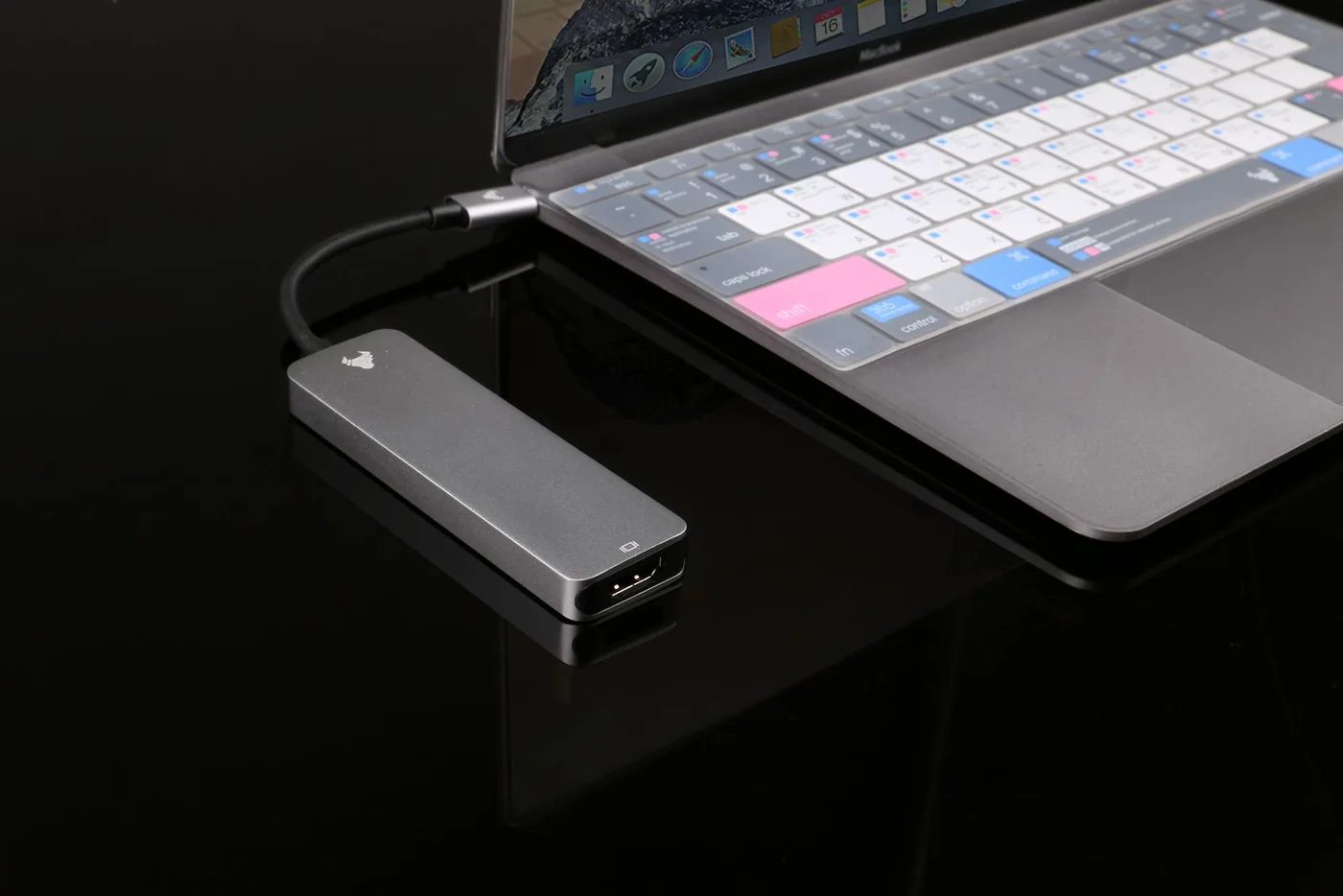
The connector is only the starting point
Imagine taking a familiar USB-C cable from a bedside charger and using it between a laptop and monitor. The plugs fit, but the expected picture does not appear. A matching shape does not establish that the cable, laptop port, display, and power arrangement support the intended task. Start by separating three questions: what needs charging, what data needs moving, and what display needs connecting. Write those requirements down before shopping. This small distinction prevents a common mistake in which a buyer pays for an attractive connector arrangement without checking the capabilities of the complete path between the two devices.
Read the device manual before the accessory label
Find the manufacturer's documentation for the exact model and year, including any processor-specific limits. A laptop may have several similar-looking ports with different supported functions. A monitor may accept power or data through one socket while expecting video through another connection. Identify the ports that must be used and the supported arrangement. Do not rely only on a photograph or a short retailer title. If the documentation remains unclear, ask the manufacturer a specific question describing the source device, accessory, and destination. A clear answer about that complete chain is more useful than asking whether a product simply supports USB-C in general.
Treat power as a separate compatibility check
USB Power Delivery is a defined power system described by the USB Implementers Forum. That does not mean every USB-C charger, cable, and device supports every possible power level. Compare the device's documented input requirements with the charger's available outputs and the cable's stated capability. For a multiport charger, read the power-sharing information with the number of devices you intend to connect. A large total printed on the package is not necessarily the output of each port simultaneously. Use suitable accessories from an accountable source and follow the manufacturers' instructions. Do not choose a cable only because its connector fits or its color matches the desk.
Data and display deserve their own lines
If you copy large folders to an external drive, check the supported data rate of the host port, cable, hub, and drive. If you connect a monitor, verify the display connection and the exact resolution and refresh rate supported by the arrangement. A cable sold primarily for charging may not serve your planned display task. A hub can also introduce limits that differ from connecting a device directly. Avoid extrapolating from a successful phone charge to an assumption about fast file transfers or external screens. The right accessory is the one whose documented functions cover your particular job without requiring you to guess.
Use specific products to practice the check
Anker's 555 hub is a useful example because its official specifications list separate connections and charging input and output information. Belkin's 70W three-port charger kit is an example where reading the multi-device power arrangement matters. These are practical products to compare when they fit the task, not a guarantee of universal compatibility. Put the laptop or phone model beside the exact accessory listing and trace each required function. If a product needs an additional wall charger, cable, or controller, include it in the total. A complete modest setup is often more useful than a premium component connected through an unknown cable you already had.
Organize cables by role
Once you have a cable that reliably supports a demanding task, label it or store it with the equipment that needs it. Keep a display-capable cable at the desk and an appropriate charging cable in the travel pouch if that reduces confusion. Similar appearance makes accidental substitution easy in a shared household. Avoid discarding useful cables simply because a new product includes another one, but do not assume every unlabeled spare can do the same work. Keep the manufacturer's product description with the purchase record. That makes it easier to replace a cable later without repeating the same trial-and-error process or buying an unnecessarily expensive alternative.
Buy the capability you will use
For an ordinary phone-charging role, you may not need the cable chosen for a demanding display setup. For a high-value presentation or frequent large-file work, the right documented capability is worth paying for. Set a budget around the complete connection and a clear return route if uncertainty remains. On arrival, try the actual workflow promptly: charging while working, the intended monitor setting, or copying a representative project folder. Record what works so the arrangement can be rebuilt after travel. USB-C becomes less confusing when each purchase answers a specific requirement and each cable has an understandable job, rather than all matching sockets being treated as equivalent.
Where to start looking
These are starting points for comparison, based on manufacturers’ published information. Check the exact version, compatibility, current availability, price, and return terms before ordering. Manufacturer links below are ordinary links unless specifically labeled as affiliate.
Anker 555 USB-C Hub
Compare when a documented multiport arrangement matches your laptop and monitor.
The tradeoff: Check every required function and the power delivered to the laptop.
Manufacturer details ↗Belkin 70W three-port GaN charger kit
Compare for a charging plan that fits its documented outputs and sharing behavior.
The tradeoff: A charging accessory does not establish a separate cable's display or data capabilities.
Manufacturer details ↗A few things you might be wondering
Does USB-C mean a cable carries video?+
No. Confirm the documented capabilities of the cable, source port, and display connection.
Does a more powerful charger always charge faster?+
No. The device, charger protocol, cable, and operating conditions all affect what the arrangement supports.
Sources & editorial notes
Manufacturer and primary-source information checked October 23, 2026. Buying advice reflects our editorial interpretation. Features and regional options can change.
- USB-IF explanation of USB Power Delivery ↗
- USB-IF certified-product search guidance ↗
- Anker 555 official specifications ↗
- Belkin official charger kit information ↗
See our editorial policy or request a correction.