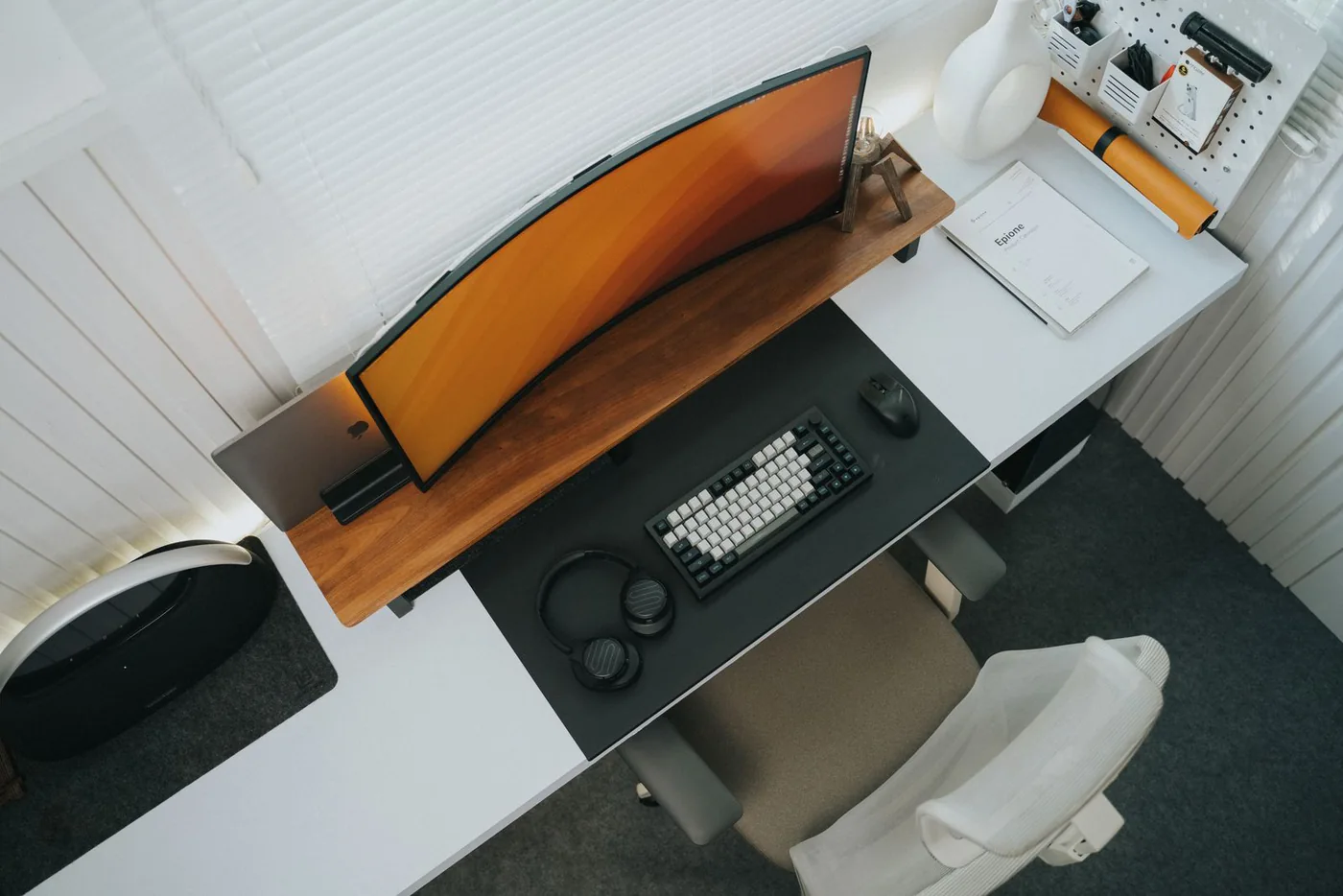
Start with a desk that has another job
Imagine working at a narrow table beside the living-room window. It holds a laptop and a coffee in the morning, paperwork after lunch, and occasionally dinner. The challenge is not building the most elaborate setup; it is making the work area usable without letting equipment occupy every inch. Measure the surface and list the tasks that happen there. Mark the space you need for a notebook, the route of the chair, and where daylight lands. A small desk purchase should earn its footprint by solving one of those needs, not by filling an empty corner in a photograph.
Clear the surface before adding equipment
Remove anything that does not support the current week of work, then arrange the laptop, notebook, and mouse you already own. Notice what forces awkward rearranging. Perhaps the charger cable crosses the writing area, or the laptop blocks the only useful light. Solve those layout problems first. An inexpensive cable clip can be useful, but sometimes moving the outlet connection or using a shorter cable does the job. Keep frequently handled objects within comfortable reach and leave an open landing space for papers. Empty space is part of the setup, not evidence that another accessory is missing.
Choose one screen plan
A laptop alone keeps packing simple. An external monitor can provide a different viewing arrangement but adds a base, a cable path, and another object to move. Dell's U2724DE specifications illustrate a monitor that combines display and hub functions; Logitech's MX Keys S information illustrates a separate keyboard path. These published features suggest ways to organize a desk, not proof that every worker needs both products. If you raise the laptop or move its screen farther away, plan the input devices at the same time. Avoid buying a stand and only later discovering that the keyboard is no longer practical to use.
Decide what stays and what packs away
For a shared table, choose a storage routine before choosing colors. A keyboard that slides into a drawer and a mouse that has a dedicated tray can make the end of the workday easier. Measure the drawer opening and depth, not just its interior width. If the desk is permanent, a larger keyboard or fixed monitor may be perfectly sensible. Do not force portable equipment into a setup that never moves, or buy substantial hardware for a surface that needs to clear every evening. Storage and setup time are part of the true cost.
Make every port do a named job
List the devices you connect and assign each a port: display, power, keyboard receiver, camera, or storage. A monitor hub or a separate dock can reduce repeated plugging, but check the computer's support and the exact upstream connection. A USB-C connector alone does not establish video or charging capability. If your employer manages the laptop, confirm software and accessory requirements before ordering. Buy a hub to solve a connection map you can draw. Extra ports that have no assigned device may simply create a larger box and another cable on an already crowded desk.
Spend on the daily annoyance
If you frequently switch between a spreadsheet and documents, the screen arrangement may deserve the first upgrade. If typing is the main frustration, compare a keyboard before replacing the monitor. If the surface is cramped, a smaller keyboard may free mouse space without any other purchase. Budget in stages and use the first change for a week before deciding what comes next. A matched product family can look pleasant, but there is no need to replace working equipment merely to match its finish. Spend more only when the added function or fit makes a repeated task easier.
A practical buying direction
Compare a keyboard such as Logitech MX Keys S when separate input is the missing piece, or a hub monitor such as Dell U2724DE when a supported screen-and-connection plan justifies the larger investment. Check the exact dimensions and current requirements before ordering either. Our approach is based on published specifications and ordinary workflow scenarios, not a claimed productivity experiment. After each purchase, ask whether the notebook still fits, the cables remain manageable, and the table clears as intended. A successful small desk setup leaves room for your actual work and a straightforward way to finish it.
Where to start looking
These are starting points for comparison, based on manufacturers’ published information. Check the exact version, compatibility, current availability, price, and return terms before ordering. Manufacturer links below are ordinary links unless specifically labeled as affiliate.
Logitech MX Keys S
Compare when an external keyboard solves the laptop-screen arrangement.
The tradeoff: A full-size keyboard has a substantial footprint; measure the desk and storage space.
Manufacturer details ↗Dell UltraSharp U2724DE
Consider when a supported monitor-and-hub plan replaces several repeated connections.
The tradeoff: Check laptop support, power requirements, and room for the stand before investing.
Manufacturer details ↗A few things you might be wondering
Should I buy a monitor before a keyboard?+
Choose the purchase that solves your main repeated problem. If changing screen height or position makes the laptop keyboard impractical, plan both together.
Is a matching desk set worth it?+
Only if each item earns its space and price. Visual consistency is a preference, not a reason to replace useful equipment.
Sources & editorial notes
Manufacturer and primary-source information checked October 23, 2026. Buying advice reflects our editorial interpretation. Features and regional options can change.
See our editorial policy or request a correction.