Start with what you want voice to do
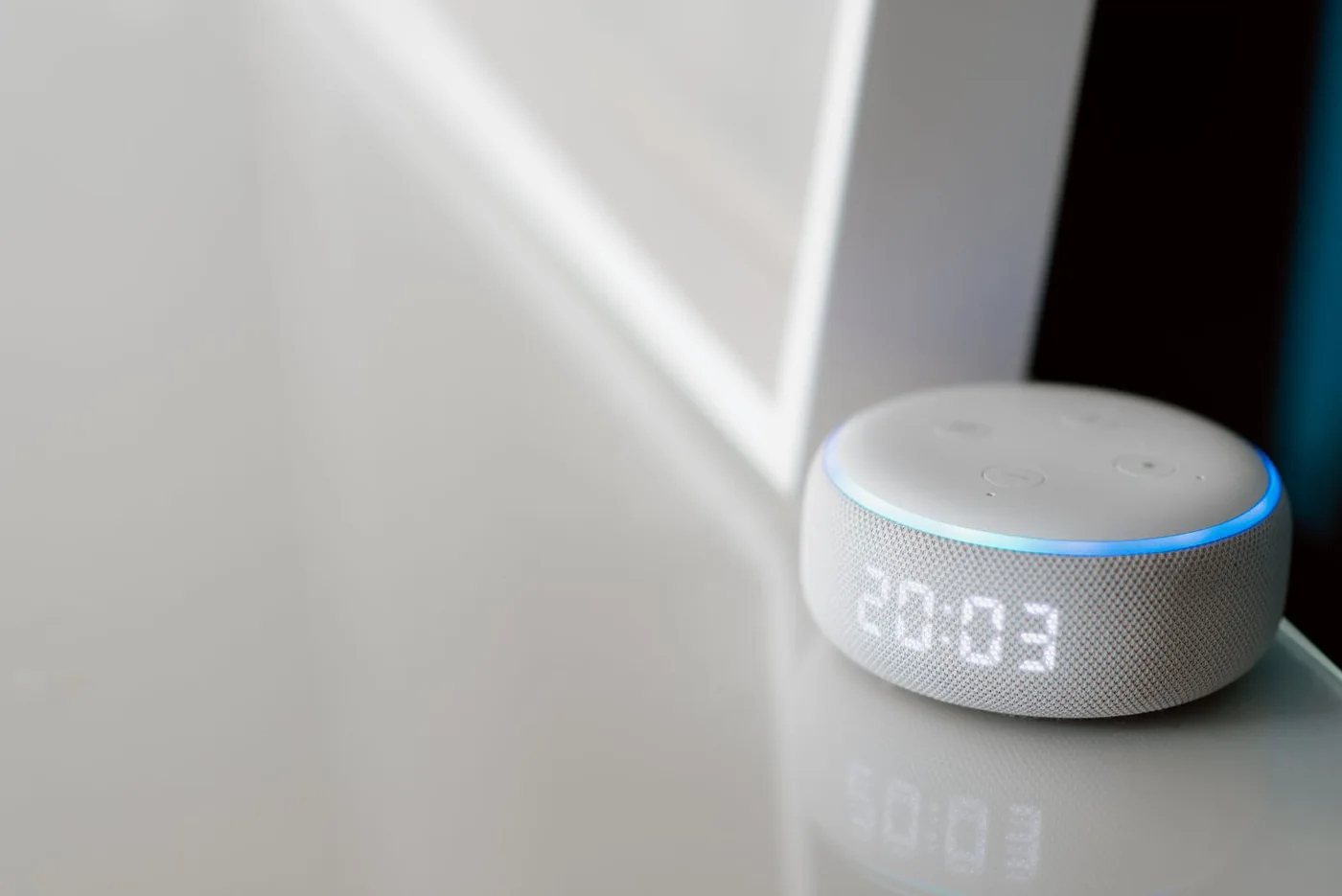
Imagine cooking dinner with wet hands and wanting to set a timer or lower the music volume. Voice control has a clear role in that moment. In a bedroom where someone only wants to play a playlist from a phone, a conventional speaker may already do enough. Before choosing a smart speaker, list the tasks you expect it to handle and the room where it will sit. Discuss the idea with other people who use that room. A voice assistant belongs in a shared household routine, so the person who enjoys the feature should not be the only person who understands how to turn it off.
Distinguish voice controls from microphone controls
Look for the manufacturer's explanation of how microphones and voice services are controlled. Sonos documents a physical microphone switch on Era 100 and distinguishes it from voice-service settings. Apple's HomePod guidance explains how to disable voice activation and delete Siri history. These controls are not interchangeable, and disabling one feature does not necessarily mean every network service is disconnected. Read the exact model's current instructions before buying. Decide whether an accessible physical control is important to your household. A clear understandable off action may be more useful than a long feature list if somebody wants confidence about the room's microphone state.
Compare ecosystems through the account you will maintain
Sonos Era 100 and Apple HomePod are starting points for two different connected-speaker arrangements. Consider the phones used by the household, preferred music services, and any smart-home devices you want to control. Verify compatibility directly rather than assuming every assistant handles every service identically. Also check whether the account used to install the speaker will remain available if the installer moves out or changes phones. We have not audited the security of either system or measured sound quality. The buying advice is to choose the arrangement whose controls and dependencies you can explain and maintain, while keeping voice optional where possible.
Review personal requests in shared rooms
A kitchen or living-room speaker can be heard by visitors and other household members. Review settings for messages, calendars, calling, purchases, and other personal requests before enabling them. Only add the functions that have a useful role in that room. A timer and music controller may be enough; access to more personal information should be an intentional choice. Think about children, visiting relatives, and guests who may try commands. Keep the account and device names straightforward. If a feature requires voice recognition or another identification setting, understand its limitations and do not treat convenience as proof that access is appropriate for every situation.
Put setup and review into the budget
The true cost includes the hardware, any paid music service you choose, and the effort of account maintenance. Do not add a subscription only because it is promoted during installation; check whether it provides the music or functionality you actually want. Use a strong unique account password and available account protection, install updates, and review data-history options. Keep the support instructions somewhere the household can find. If you are unwilling to manage another account, a simpler audio arrangement may be better value. More connected features do not automatically create more useful listening time, especially if the settings leave people reluctant to use the speaker.
Decide where it belongs and where it does not
Choose the location with ordinary household behavior in mind. A speaker used for cooking does not need to be in a room reserved for confidential calls. If someone works from home with sensitive information, follow their employer's guidance and consider a separate space without a voice-enabled device. Tell guests how to disable voice features if that is relevant to their comfort. This is a practical household decision rather than a claim that any particular room is inherently unsafe. The important point is to make the listening arrangement deliberate. A good product fit includes the moments when you prefer not to use its most advertised feature.
Make a simple handover and exit plan
After setup, ask another household member to show how they would play music, change volume, and disable voice or microphones using the documented controls. If they cannot do it easily, simplify the arrangement. Periodically review permissions, linked services, and retained history according to the manufacturer's current guidance. Before selling or giving the speaker away, remove it from accounts and follow the reset process; deleting a phone app alone may not complete that task. Save proof of purchase and identify the exact model for future support. Keep the device when it provides useful everyday convenience with controls the whole household understands, rather than requiring trust in settings nobody has checked.
Where to start looking
These are starting points for comparison, based on manufacturers’ published information. Check the exact version, compatibility, current availability, price, and return terms before ordering. Manufacturer links below are ordinary links unless specifically labeled as affiliate.
Sonos Era 100
Explore when a documented physical microphone switch matters to your listening setup.
The tradeoff: Review the difference between microphone-off and voice-service-off behavior.
Manufacturer details ↗Apple HomePod
Explore for a compatible Apple household with deliberate Siri and personal-request settings.
The tradeoff: Check your required devices and services, and review current privacy controls.
Manufacturer details ↗A few things you might be wondering
Does turning off a voice assistant disconnect the speaker?+
Not necessarily. Read the exact model's explanation of microphone, voice-service, and network controls.
Do I need voice control for connected music?+
Choose around your intended playback method. Many households can meet their listening needs without enabling every voice feature.
Sources & editorial notes
Manufacturer and primary-source information checked October 23, 2026. Buying advice reflects our editorial interpretation. Features and regional options can change.
See our editorial policy or request a correction.