Make the shared room part of the purchase
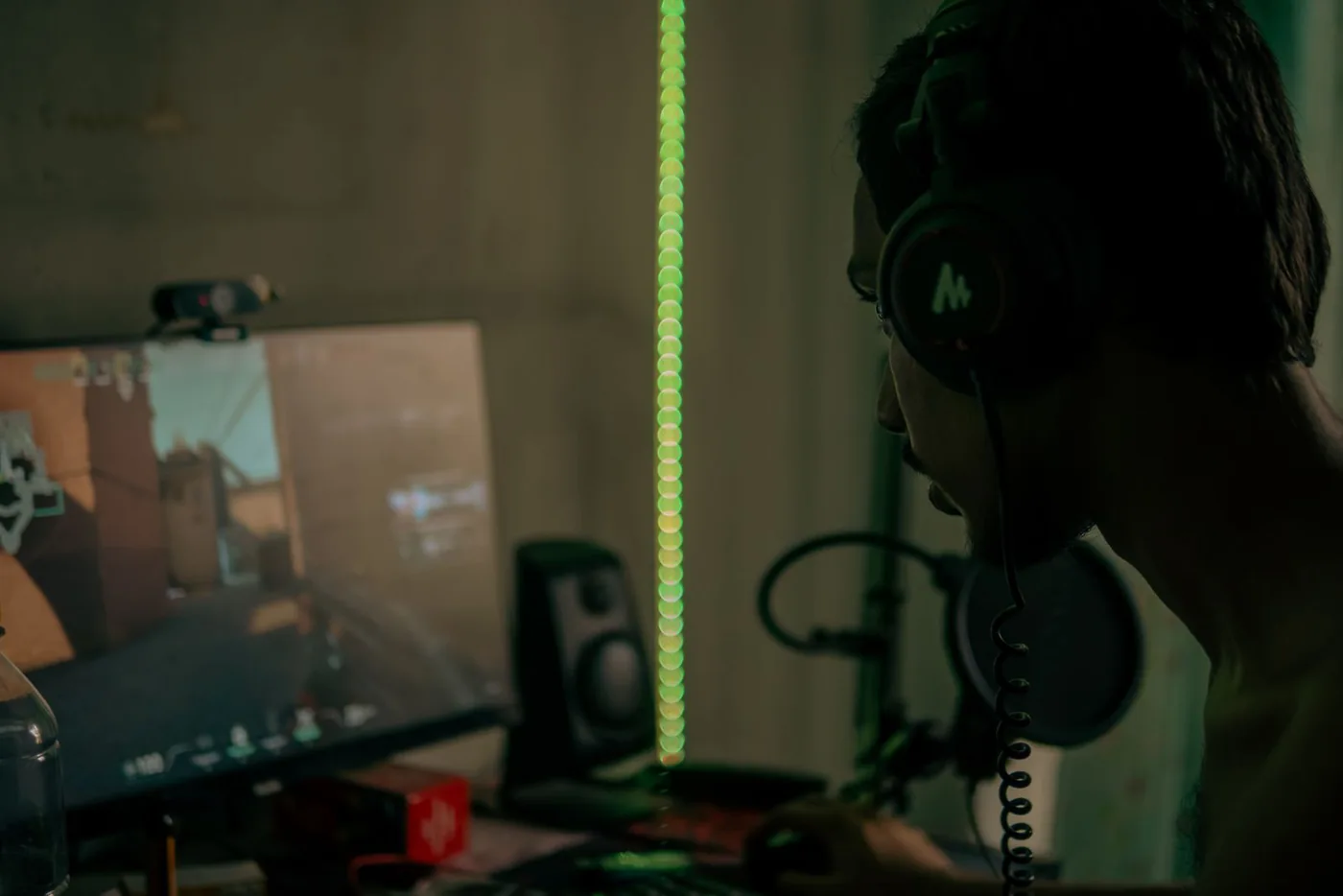
Imagine an evening game at a desk in the corner of a living room. Someone else is reading nearby, and a friend joins voice chat halfway through the session. You need to hear the game clearly without turning the room into a soundtrack, while keeping your own voice at a considerate level. Start with the platform and the room rather than the biggest surround-sound claim. Write down the console or computer, the connection you can use, and whether you need a microphone. Those three answers eliminate more unsuitable purchases than a page of driver specifications.
Get platform compatibility in writing
HyperX lists Cloud III with wired connection options and named supported platforms. SteelSeries describes the Arctis Nova 7 family around wireless connections, with variants that deserve individual checking. These official descriptions are starting points for a compatibility shortlist, not a promise that every feature works identically on every platform. Read the exact model page for your console and connection. A USB socket on a console does not mean it accepts every USB headset. If you switch between systems, map the full connection path for each before ordering instead of assuming one adapter handles the entire household.
Choose the cable compromise deliberately
A wired headset can keep charging out of the routine and make the connection easy to see. It also needs a cable route that does not snag when you move the chair. A wireless design can give more freedom but adds battery management and a receiver or pairing arrangement. Think about the actual distance from the screen and whether you stand up during a session. If you remain at a desk, a cable may be a reasonable budget-saving choice. If the console is across the room, compare a supported wireless path rather than stretching a cable through a shared walking area.
Treat the microphone as a household tool
A microphone that stays near the mouth can help you maintain a consistent position, but it cannot guarantee that other sounds disappear. Read whether it detaches, retracts, or mutes in a way that fits your routine. Check the mute indication before the first group session. If you tend to raise your voice when the game gets loud, lower the overall listening level and adjust the game-to-chat balance where supported. Do not buy a headset on a promise that it will make late-night conversations inaudible to the room. The person nearby still hears your voice.
Comfort matters beyond the first match
Check earcup shape, adjustment, weight, and replacement-part availability before buying. Then use the return period for a representative session with your glasses, if you wear them. Cushion materials and headband designs are personal preferences, not a universal comfort score. If pressure or warmth becomes distracting, consider a different shape rather than assuming an expensive headset must eventually feel right. Keep breaks and volume control in the routine. A product intended for long sessions is not a reason to ignore discomfort. Easy access to volume and mute can be more useful than an elaborate app you rarely open.
Avoid paying for effects you will not use
Spatial-audio features can depend on the platform, software, and selected connection. Check what is included and what requires another purchase or account. Begin with a clear stereo setup and adjust the game's own audio settings before deciding you need more processing. If your main use is cooperative conversation, microphone controls and a dependable connection may matter more than a competitive-audio feature list. Set a complete budget that includes any necessary adapter. A lower-cost supported headset that fits the room can be a stronger purchase than a premium wireless system with features unavailable on your console.
Our two buying paths
Compare HyperX Cloud III for a wired, platform-documented approach; compare the exact SteelSeries Arctis Nova 7 variant when a supported wireless setup solves the cable problem. Check current availability and generation before purchasing. Neither recommendation is a claim of measured positional accuracy or an invented competitive advantage. Once the headset arrives, test game audio, voice chat, mute, and volume on the actual platform. Ask the person sharing the room whether the setup works for them too. A successful gaming audio purchase makes the game enjoyable while leaving the rest of the home comfortable to use.
Where to start looking
These are starting points for comparison, based on manufacturers’ published information. Check the exact version, compatibility, current availability, price, and return terms before ordering. Manufacturer links below are ordinary links unless specifically labeled as affiliate.
HyperX Cloud III wired
Compare for a wired setup with published platform and connector information.
The tradeoff: Plan cable routing and check which features work over the chosen connection.
Manufacturer details ↗SteelSeries Arctis Nova 7 family
A comparison point when wireless flexibility is a meaningful requirement.
The tradeoff: Choose the exact platform variant and verify current generation details before ordering.
Manufacturer details ↗A few things you might be wondering
Does every USB headset work with every console?+
No. Confirm explicit support for your console and connection on the selected model's official listing.
Will a headset keep late-night chat quiet for other people?+
It keeps game audio personal, but your spoken voice is still audible in the room. Adjust your routine with the people sharing the space.
Sources & editorial notes
Manufacturer and primary-source information checked October 23, 2026. Buying advice reflects our editorial interpretation. Features and regional options can change.
See our editorial policy or request a correction.